When you print something, do you get a service repair message on the display? This is a frequent issue encountered on the L380 printer. This is called the Epson L380 Service Required Error
No need to worry, this usually happens in all printers when the waste ink pad is full. This only happens in Epson ink tank printers
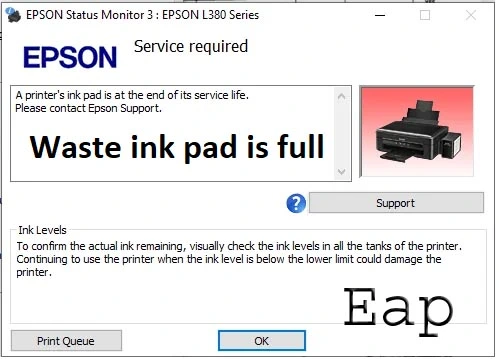
Is there a solution to your question? Yes, there is. This is a possibility that you are repairing from home. It is possible with our Epson adjustment program
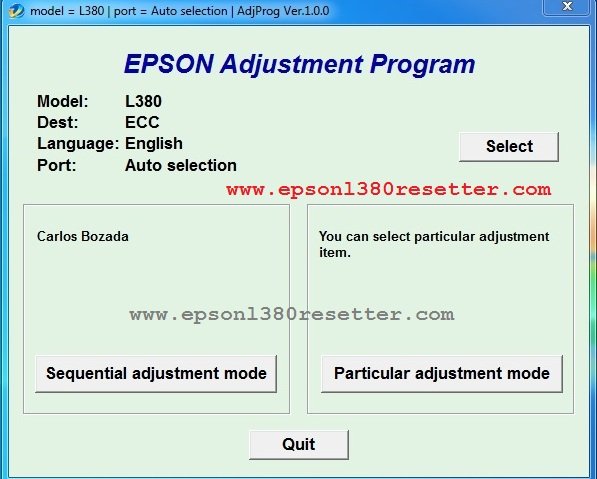
Another name for it is Epson L380 Resetter. You will first need to Software download the resetter and reset it
Why Does the Epson L380 Service Required Error come up?
The main cause of error one is the vesting ink becoming full. When you clean the head or ink the lines appear while printing, it fills up. Every time you do this, it counts up to ten percent. Sometimes, it reaches 100%.
After that, you will see this error. Then the printer stops working.
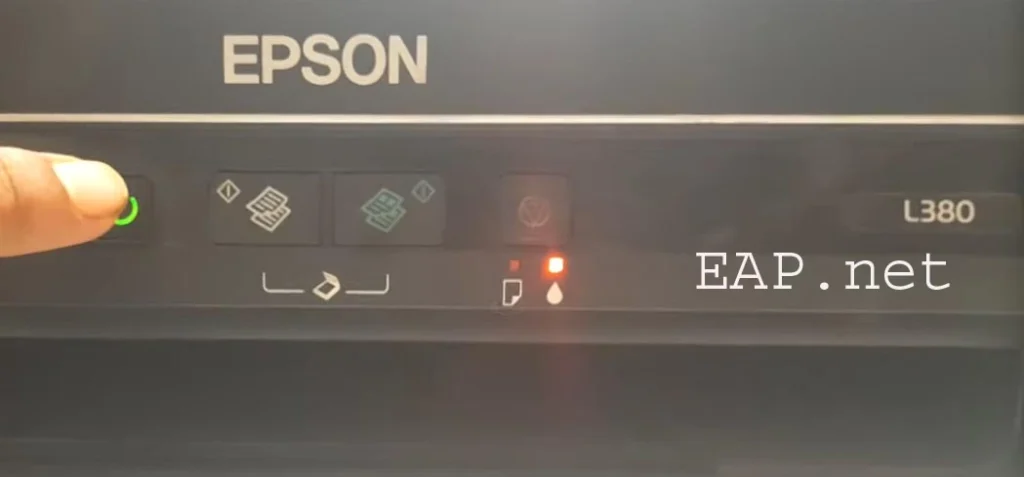
The Red lights start linking one after another. If you check Error Monitor 3 on your computer, you will see the error “A printer’s ink is near the end of its service life.” Printing and scanning stop by
Service Required Solution
Step One: Download the Epson L380 Resetter
Step 1: Extract this tool to your computer in a new folder.
For more details, we have written a full article on how to use the Epson L380 Resetter. Go there and read it, and there are also step-by-step images.
You clean the waste ink pad manually.
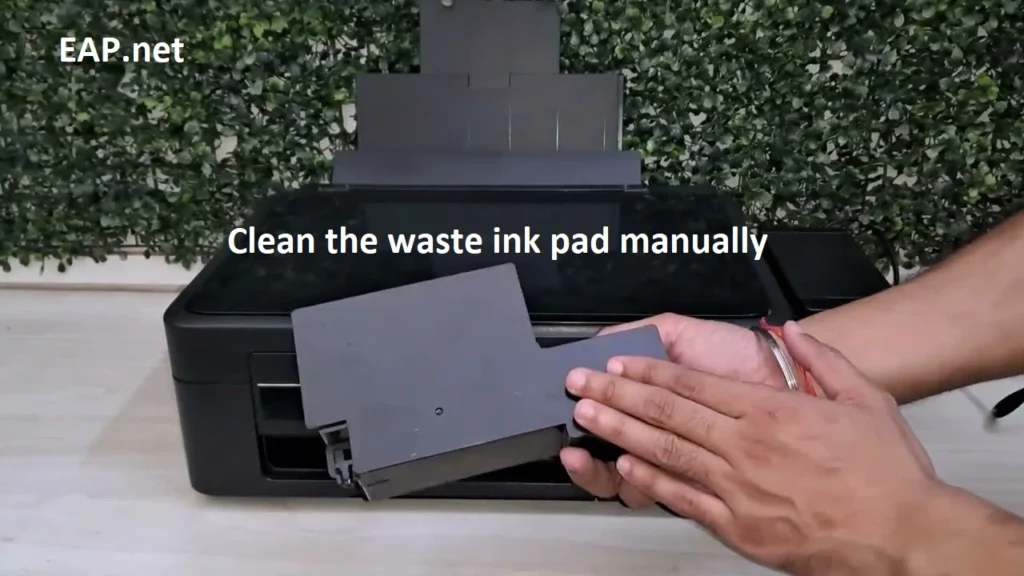
If you do that, you will be in control of your counter instead of quickly running out of counter space.
Replace the waste pad; its cost will be 150 to 200 rupees.
How to replace? There is a video on this. Watch it.
Will this Problem Come up again in the future?
Yes, it will come again. When your printer counter is full, the problem will come again. You can reset it again with this software.
Doing this will solve your Epson L380 Service Required Error 99% of the time. If the problem is not solved, it is better to contact Epson service center. This only happens if there is a problem with the main board. This is a problem that occurs in very few printers.
Problem solution tool is Epson l380 service required, Error software free download, and Reset Printer. This tool will be Working Lifetime. Post updated on OCT 2025.
Solution in Hindi For Please send a WhatsApp message To Display the WhatsApp icon (Right side)
Cantact Us: whatsapp 8985252512